> ## Documentation Index
> Fetch the complete documentation index at: https://docs.govpro.ai/llms.txt
> Use this file to discover all available pages before exploring further.
# Adding Past Performance
> Uploading your past performance will allow Unanet ProposalAI to leverage your previous work for more effective proposal generation.
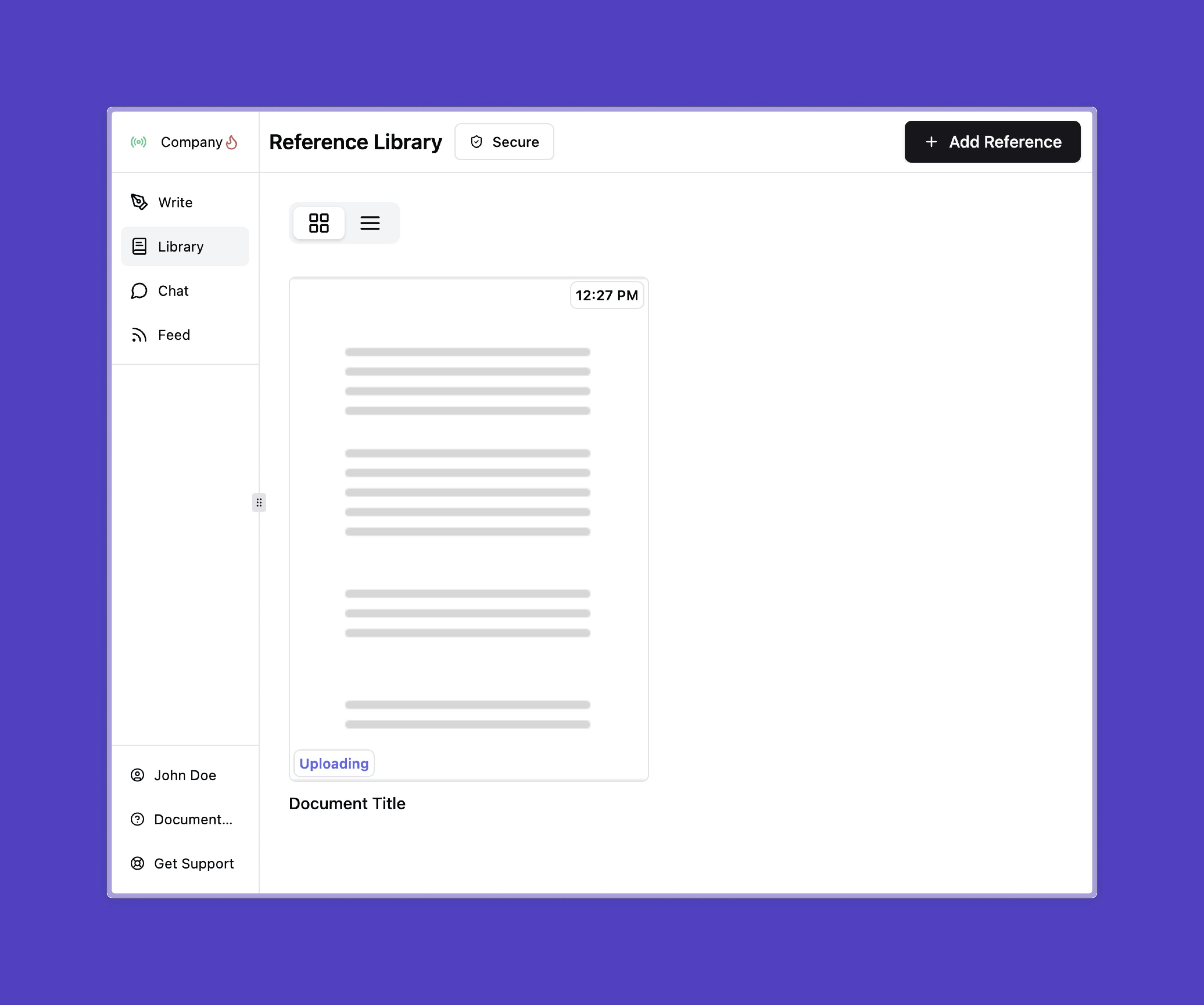
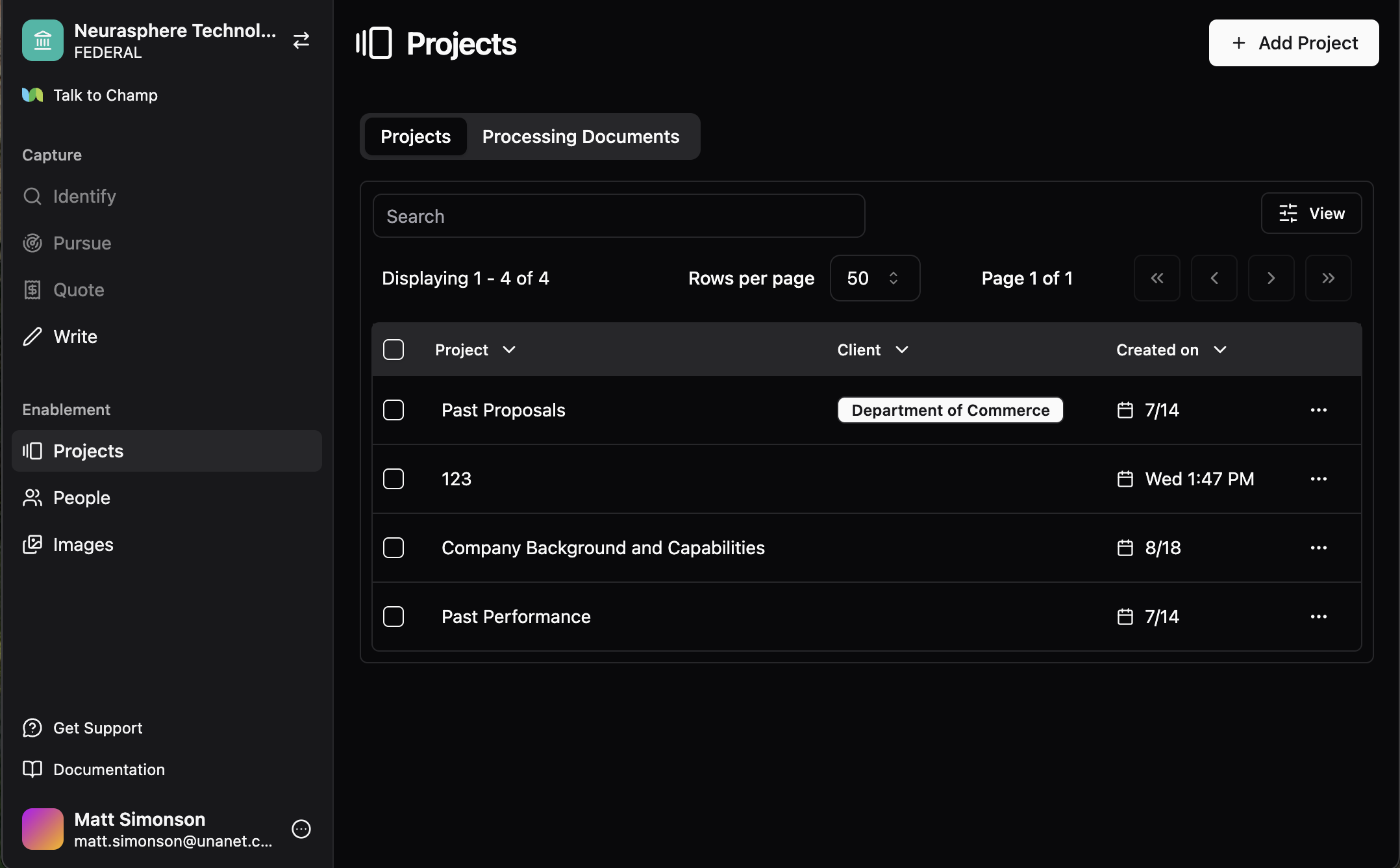 ### Navigate to the "Enablement" tabs
This is where your business data will live. The projects tab is for any information that showcases your business's experience.
* **Projects tab**: Showcases your business experience, including past proposals, technical interviews, and SME insights.
* **People tab**: Stores personnel details such as resumes, work history, project experience, and certifications.
* **Images tab**: Houses project images, as well as marketing and branding assets.
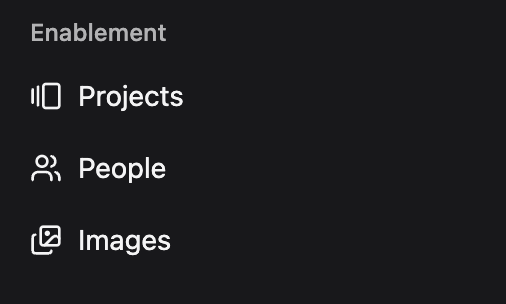
### Navigate to the "Enablement" tabs
This is where your business data will live. The projects tab is for any information that showcases your business's experience.
* **Projects tab**: Showcases your business experience, including past proposals, technical interviews, and SME insights.
* **People tab**: Stores personnel details such as resumes, work history, project experience, and certifications.
* **Images tab**: Houses project images, as well as marketing and branding assets.
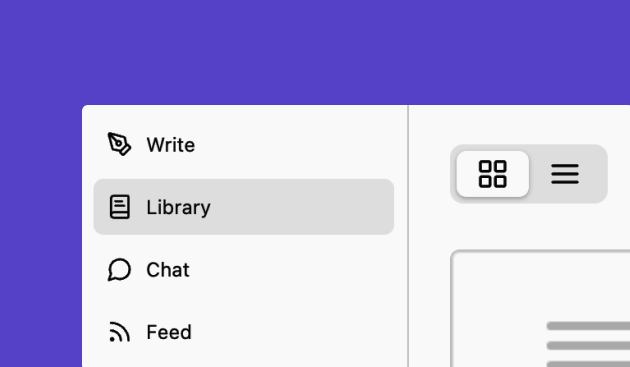
 ### Click on 'Add Project'
Click on the button in the top right of your screen: **Add Project**.
### Click on 'Add Project'
Click on the button in the top right of your screen: **Add Project**.

 ### Click on 'Upload Files'
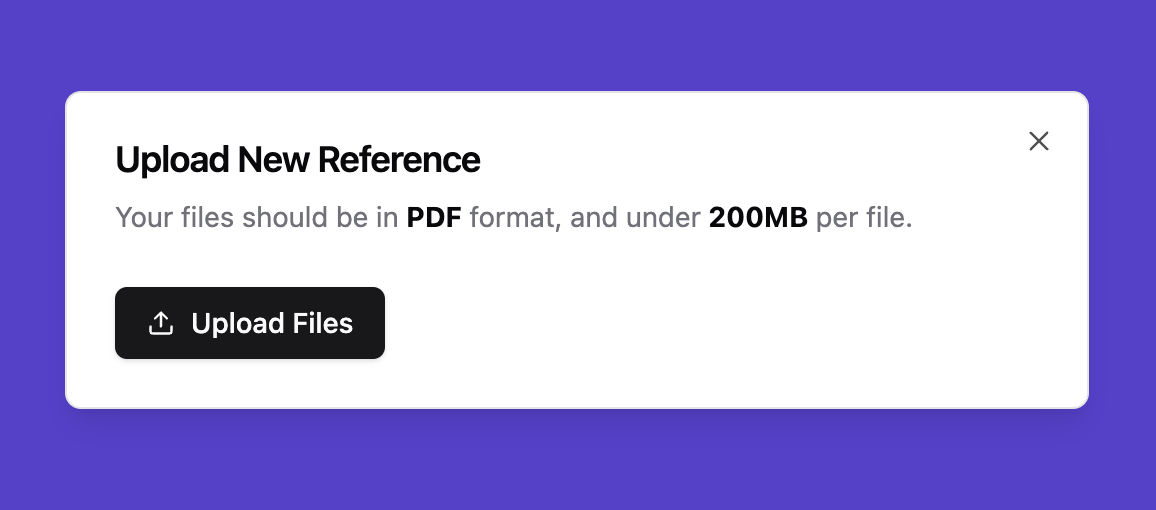
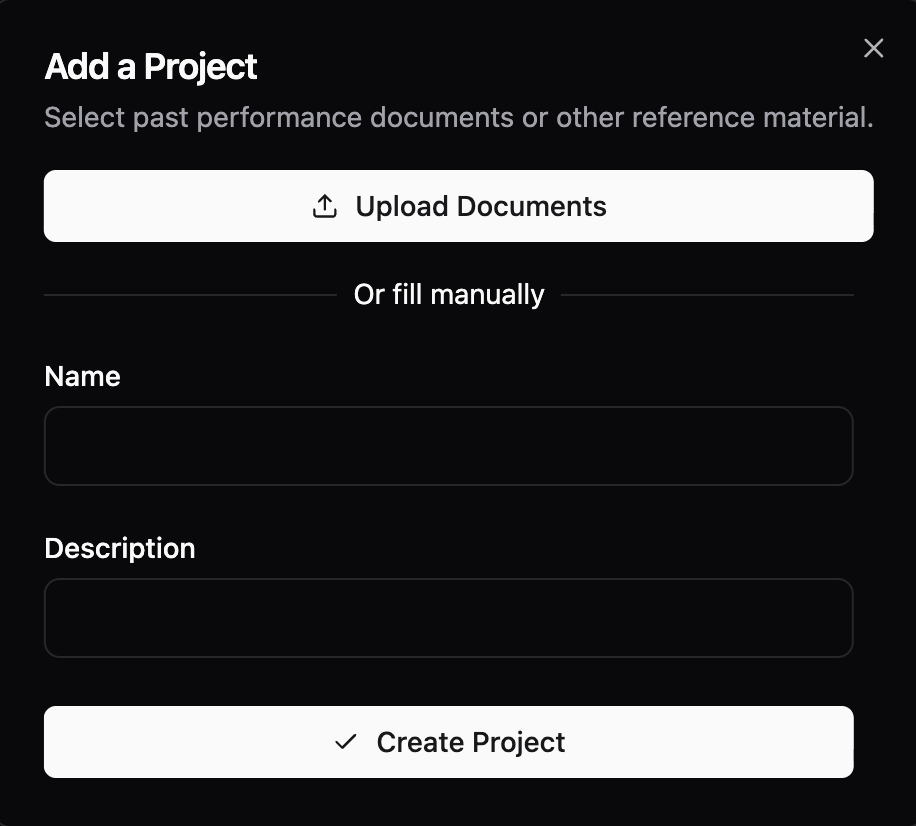
Click on **Upload Files** and make sure to select **valid PDF files under 200MB** from your device. Make sure your PDF is **not password-protected**. You can upload one or many references at once.
### Click on 'Upload Files'
Click on **Upload Files** and make sure to select **valid PDF files under 200MB** from your device. Make sure your PDF is **not password-protected**. You can upload one or many references at once.
 ### Adding documents to an existing project
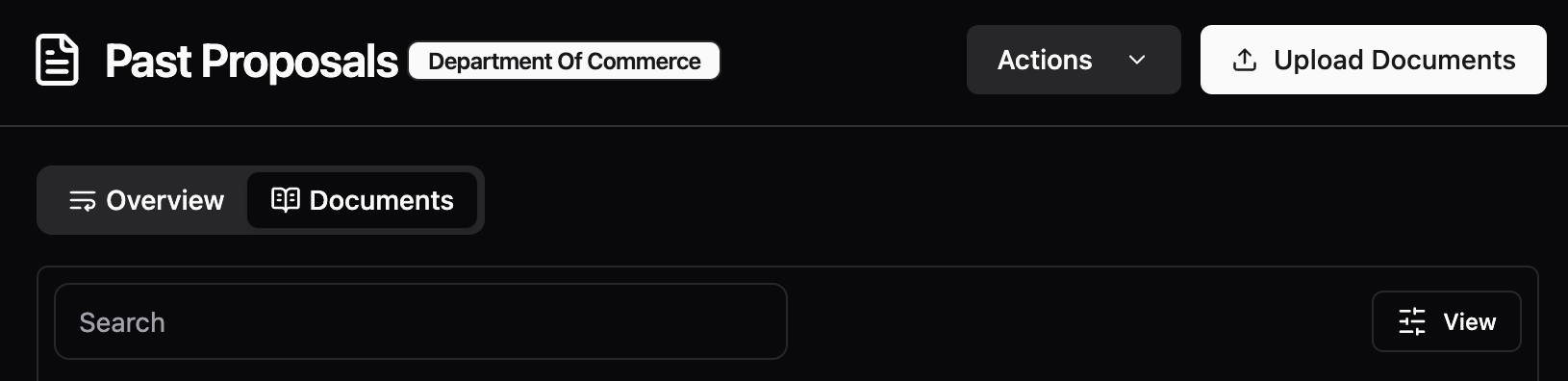
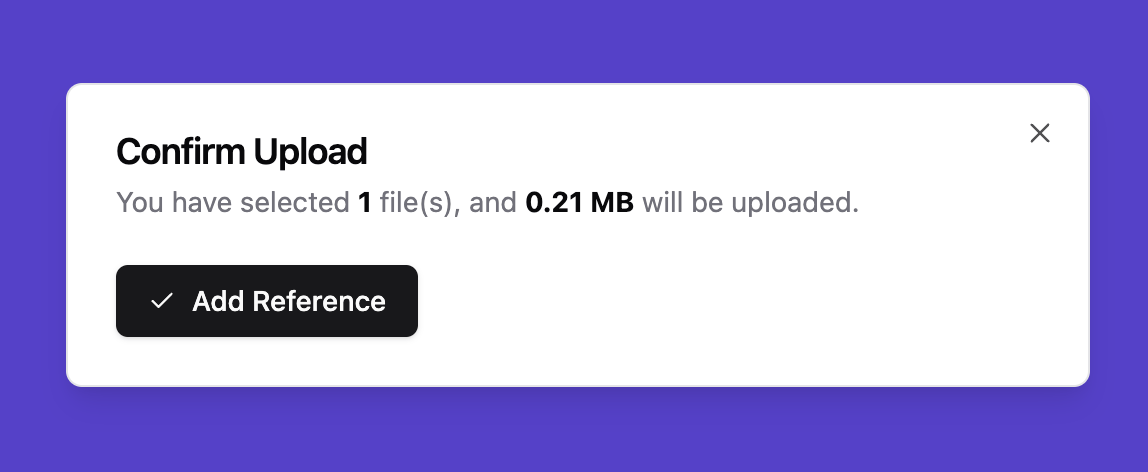 You can add documents to an existing project by opening the project and selecting **Upload Documents**.
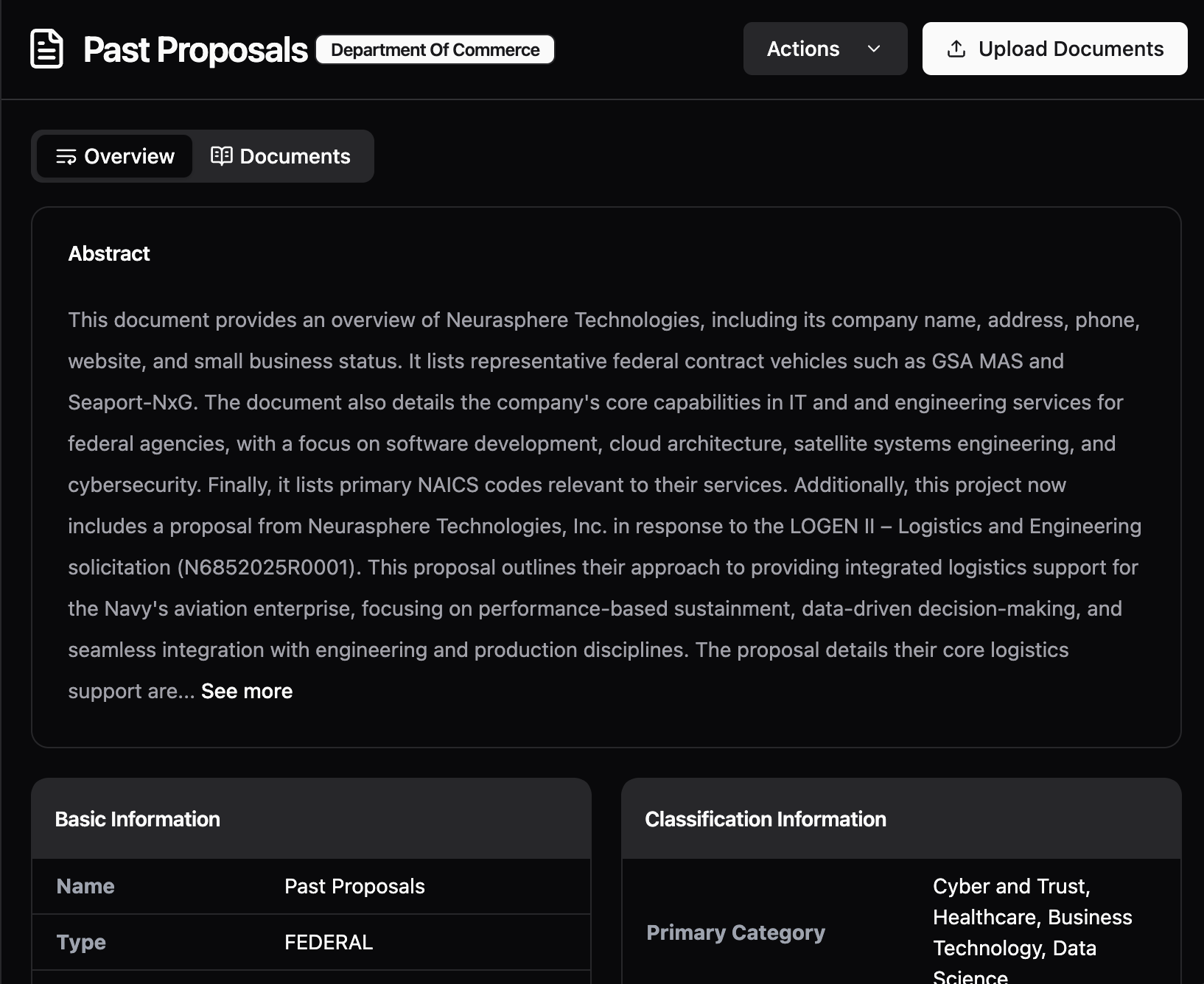 To see which documents exist within a project, go to the project’s **Overview** section. The overview is AI-generated, based on an understanding of the documents uploaded to that project.
### Wait for upload and parsing
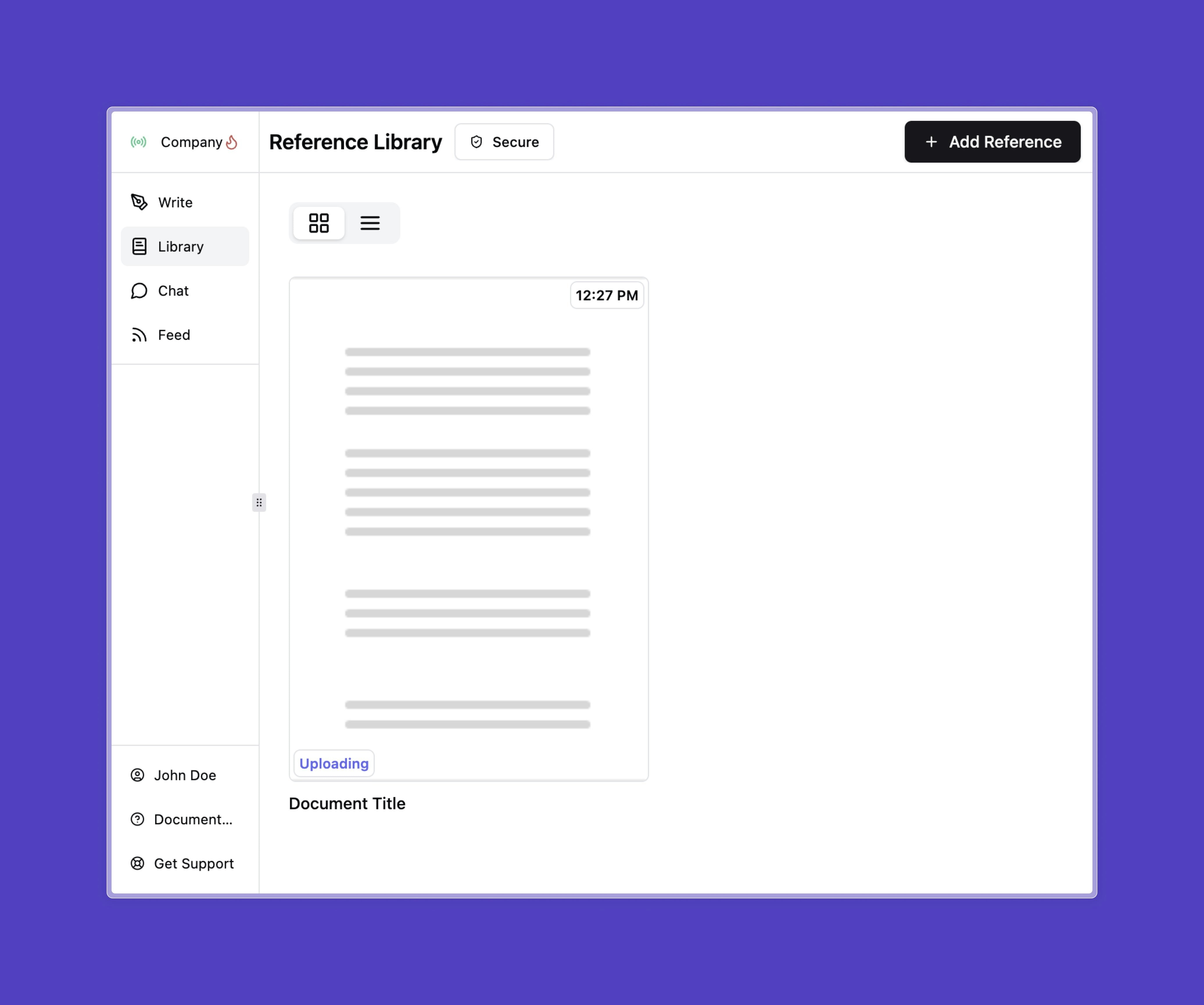
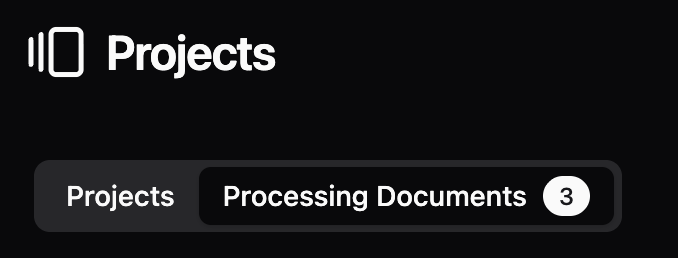
You should now see your past reference in your library. Please **wait for the document to upload and parse**. (You can see the status on the document in the status column)
To see which documents exist within a project, go to the project’s **Overview** section. The overview is AI-generated, based on an understanding of the documents uploaded to that project.
### Wait for upload and parsing
You should now see your past reference in your library. Please **wait for the document to upload and parse**. (You can see the status on the document in the status column)
 ### Troubleshooting
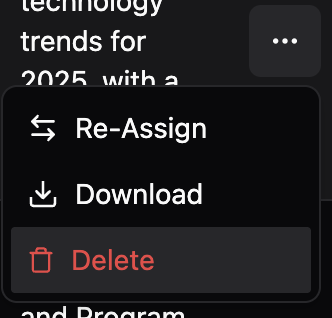
If you upload a document to the wrong project, you can re-assign the document to a new project by clicking on the elipses
### Troubleshooting
If you upload a document to the wrong project, you can re-assign the document to a new project by clicking on the elipses
 If you are having trouble uploading your files, please make sure they are in **a valid PDF format**, **under 200MB** and **not password-proteted**.
If problems persist, contact your organization’s Unanet ProposalAI administrator or our support team for assistance.
If you are having trouble uploading your files, please make sure they are in **a valid PDF format**, **under 200MB** and **not password-proteted**.
If problems persist, contact your organization’s Unanet ProposalAI administrator or our support team for assistance.